Region, pixel-perfect
Drag across exactly what you need. The readout shows physical pixels, not guesses.
Capture it, mark it up and make it beautiful. The Windows-native toolkit for screenshots, annotation, text recognition and Code Mode.
30-day money-back guarantee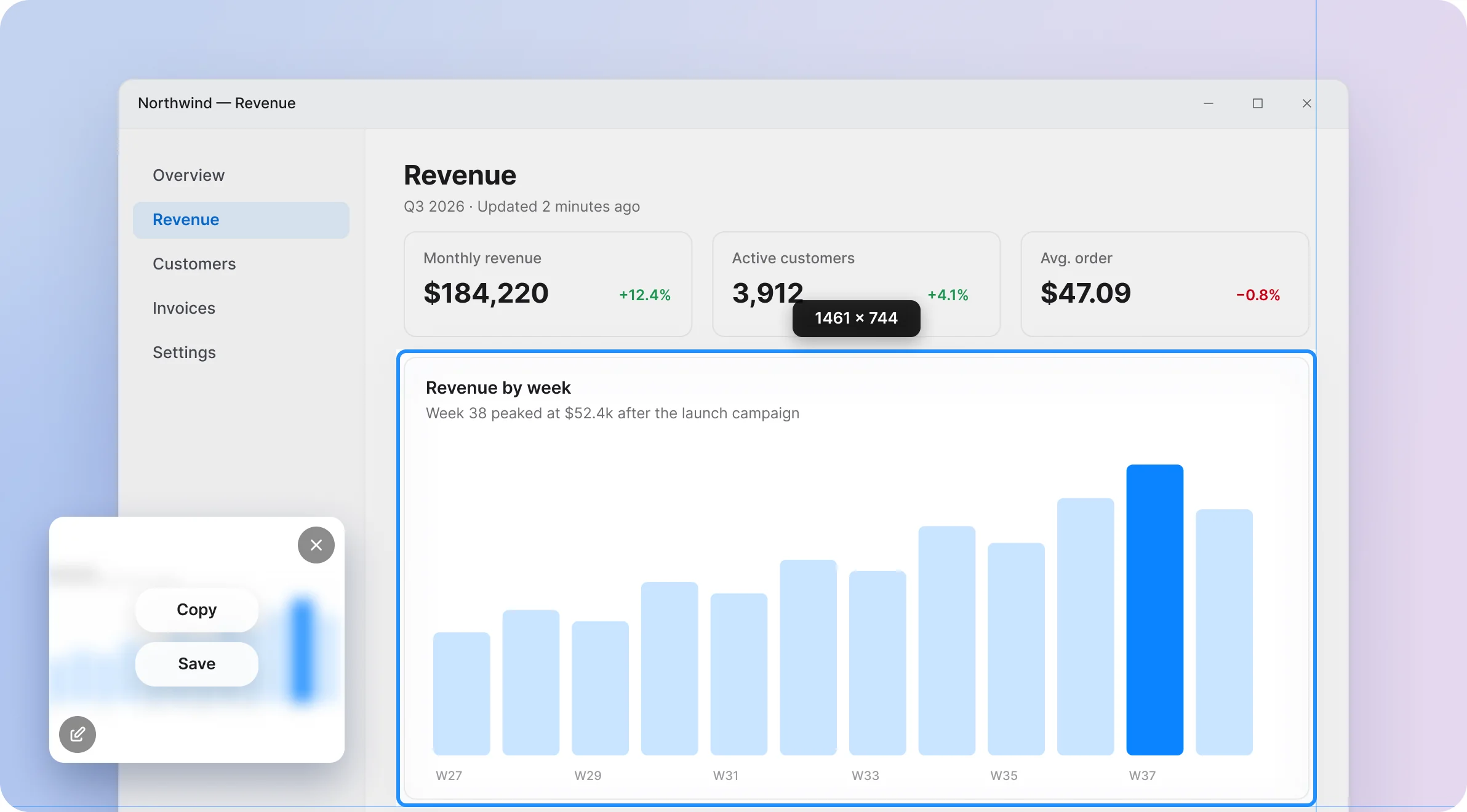
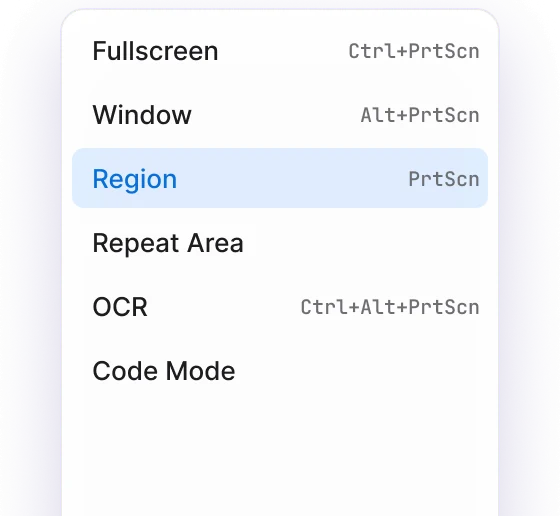
Region, window or the whole screen, on the keys you already reach for. A live readout and full-screen crosshairs keep every edge where you meant it.
Drag across exactly what you need. The readout shows physical pixels, not guesses.
Live thumbnails. Select up to 32 and capture them in one go.
Pricing — Figma
Figma
checkout.ts — VS Code
Visual Studio Code
snapit — your browser
Your browser, right now
Three, five or ten seconds for menus and hover states.
Replaces the Snipping Tool on the key you already press.
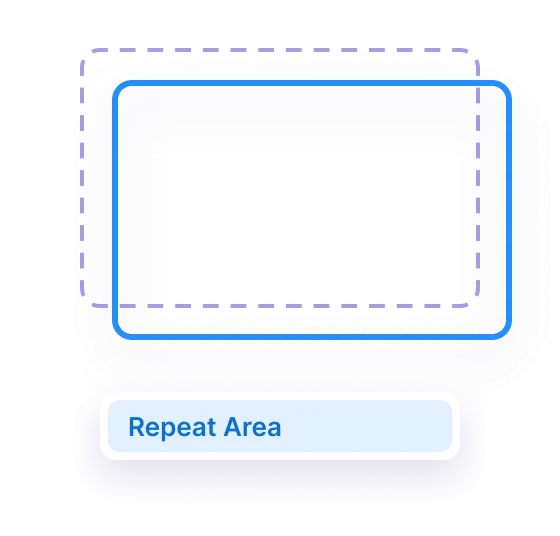
Re-shoot the exact same region with one click.
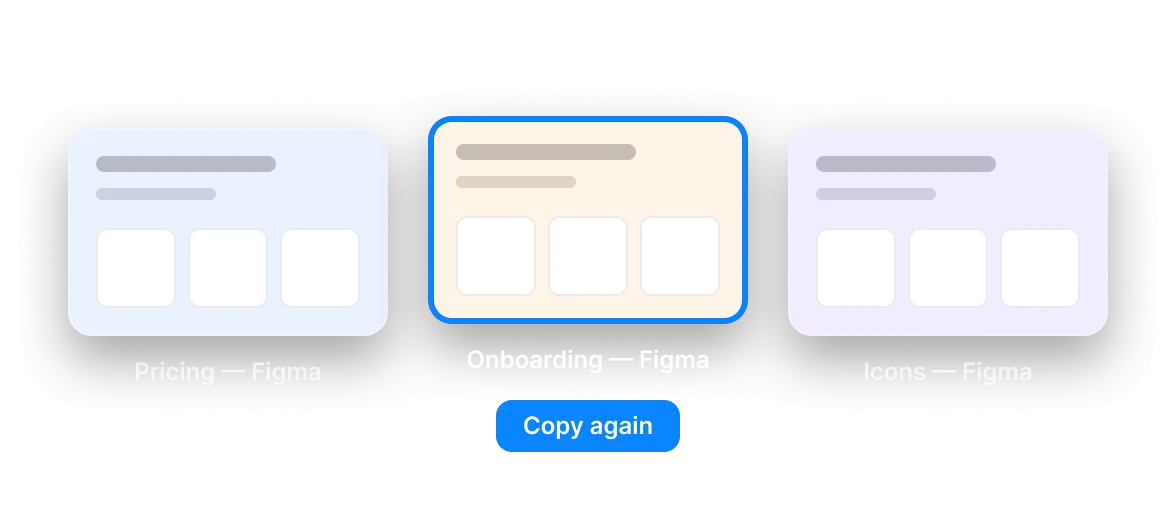
Copy, save or drag the shot straight into the conversation that needs it.
# design-review
Maya 14:02
Is the week 38 spike real or a tracking bug?
You 14:03
Twelve annotation tools, blur and pixelate for anything private, and a spotlight for the one thing that matters. All without leaving snapit.
Also in the editor: rectangle, filled rectangle, ellipse, line, pencil, highlighter, text in nine fonts, crop with aspect ratios, and undo for every step.
Wrap any capture in padding, a soft shadow and one of six gradient presets. Plain screenshots become something you are happy to post.
Maya Chen
@mayabuilds · 2h
Shipped dark mode for the dashboard today. Three weeks, two redesigns and one very patient QA team. Toggle it under Settings → Appearance.
♡ 482 ↻ 61 ⇧ Share
Copy text straight out of any screenshot with on-device recognition. Nothing leaves your machine.
BLUE BOTTLE
66 Mint Street, London
VAT 20% incl. · Card •••• 4417
Untitled — Notepad
Flat white 3.80
Oat cortado 3.60
Almond croissant 3.95
Sparkling water 2.20
Copy code, and snapit renders it as a real IDE or terminal window. Seven themes, four window styles, eleven languages.
Themes
Languages
TypeScript
Every capture, kept on your disk. Search the text in it, the window title or the app, then copy it again.
Every mode and the self-timer, from the tray.
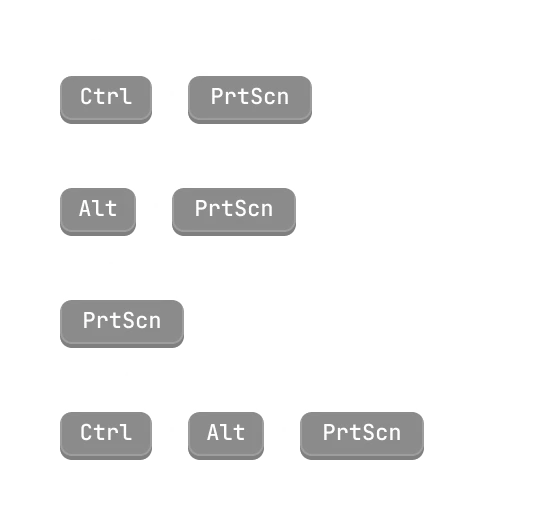
Every global binding is yours to change.
No account and no cloud. Your screenshots never leave your PC.
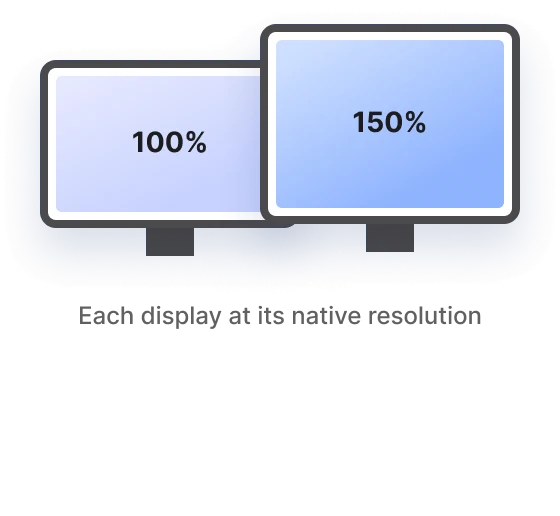
Per-monitor DPI, mixed displays, Windows 10 and 11.
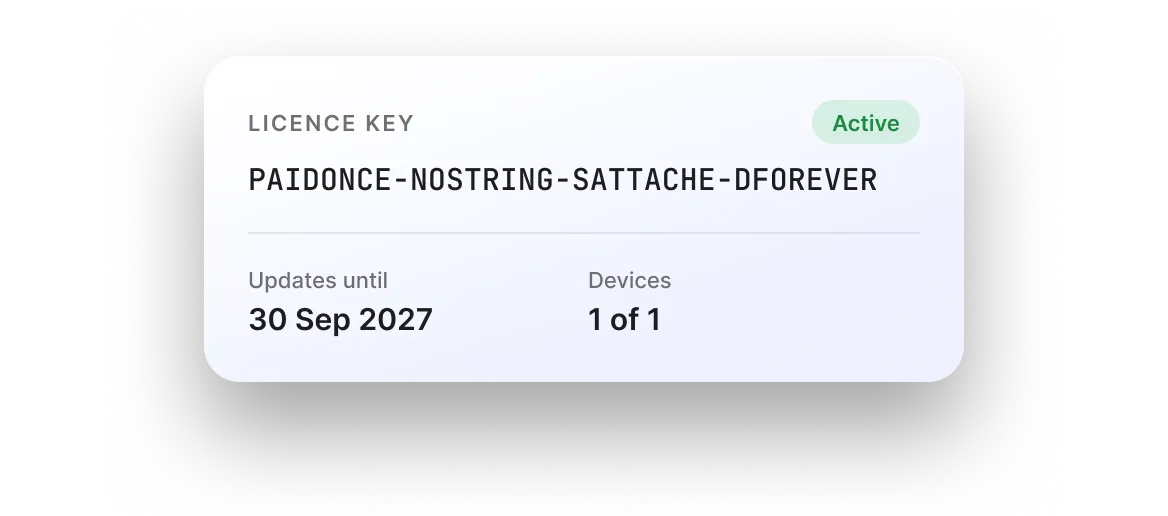
One licence, 1 device, a year of updates. No subscription and no account.
CleanShot X set the bar for screenshot tools, and it only runs on a Mac. Here is where snapit sits among the Windows options.
| snapit | Snipping Tool | ShareX | Snagit | CleanShot X | |
|---|---|---|---|---|---|
| Annotation tools | 12 tools | Pen only | |||
| Backgrounds & padding | |||||
| Text recognition | Offline | Win 11 only | |||
| Code Mode | |||||
| Searchable history | |||||
| Price | $19 USD once | Free | Free | Subscription | $35 / $120 yr |
| Runs on Windows | |||||
| Runs on Mac |
Feature sets as of September 2026. Snagit and CleanShot X are trademarks of their owners.
Personal is yours to keep, with no subscription and no account to create. Every licence includes a year of updates and a 30-day money-back guarantee.
one-time
$29 from 1 January 2027
per seat, one-time · $120 for 5 seats
Windows 10 & 11 x64 · activate in Settings · 1 device per key
Prices are in USD, before applicable tax. Paddle handles currency conversion and confirms your final total, including any sales tax / VAT, before payment. By buying you agree to the Terms, EULA and Refund Policy.
$19 USD, one-time, with a 30-day money-back guarantee.
Windows 10 & 11 · x64